
When most people think of a “gallery,” they picture an artist’s portfolio or a photographer’s collection. But in the digital world, a gallery is any visual collection designed to help people explore, compare, or decide. That’s why galleries aren’t just decoration — they’re decision-making tools.
Adding a well-designed gallery to your site encourages people to stay longer, click more, and engage. Search engines notice that increased activity and reward you with stronger rankings. Customers notice too — because a polished set of visuals builds trust faster than paragraphs of text.
Who Benefits Most From Galleries
Different industries get different benefits, but the principle stays the same: visuals create confidence.
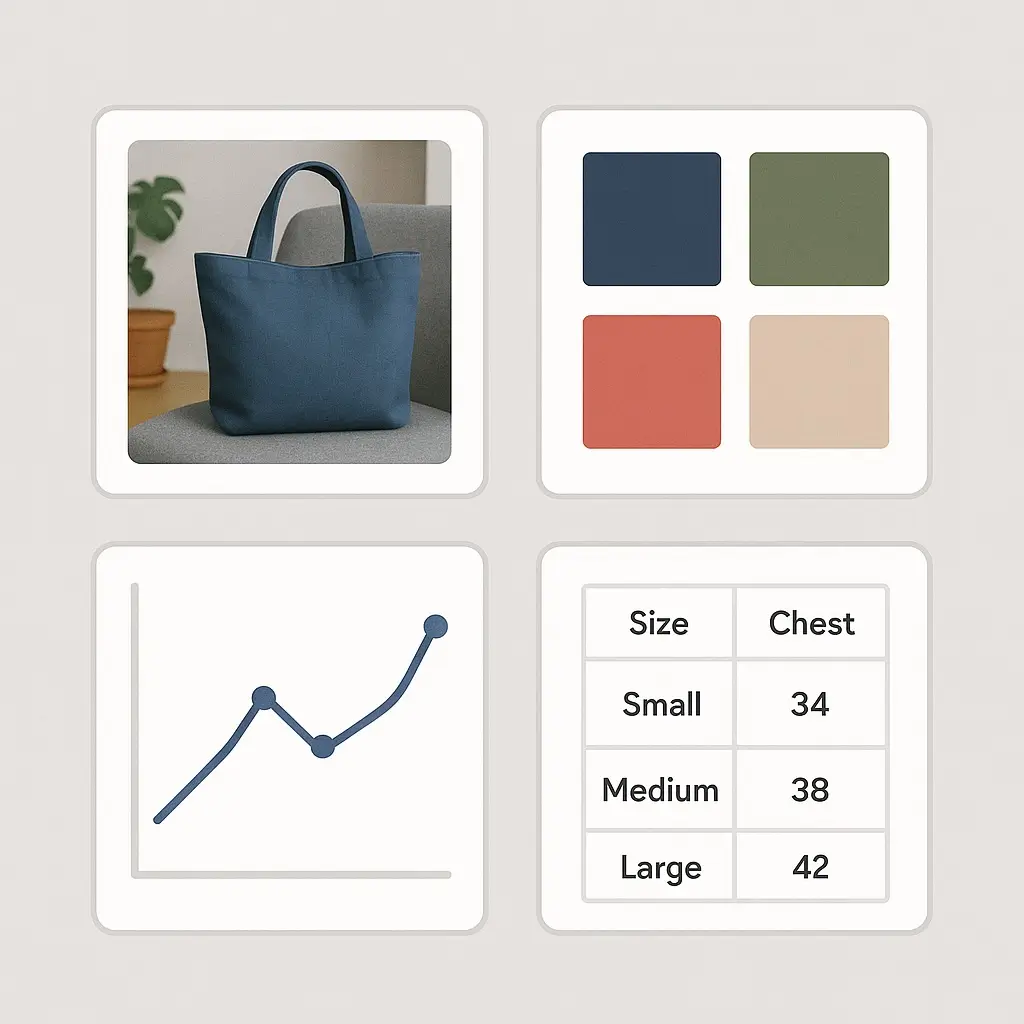
- E-commerce stores ? multiple product angles, lifestyle shots, and even customer-submitted photos.
- Restaurants & cafes ? menus, dishes, atmosphere, and event highlights.
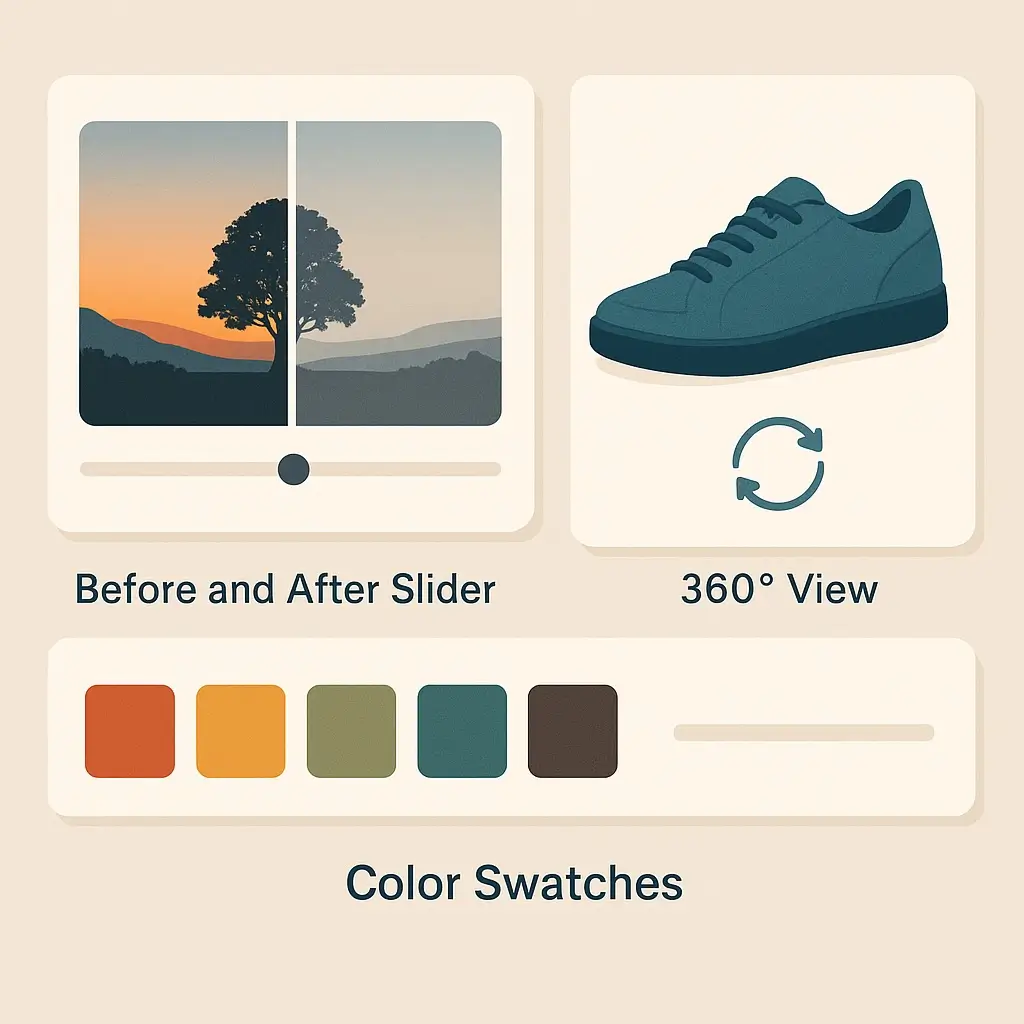
- Contractors & home services ? before-and-after transformations.
- SaaS and tech companies ? feature icons, pricing comparisons, or screenshot walk-throughs.
- Nonprofits ? photos of volunteers, events, or impact stories that connect donors to the mission.
Beyond Just Photos
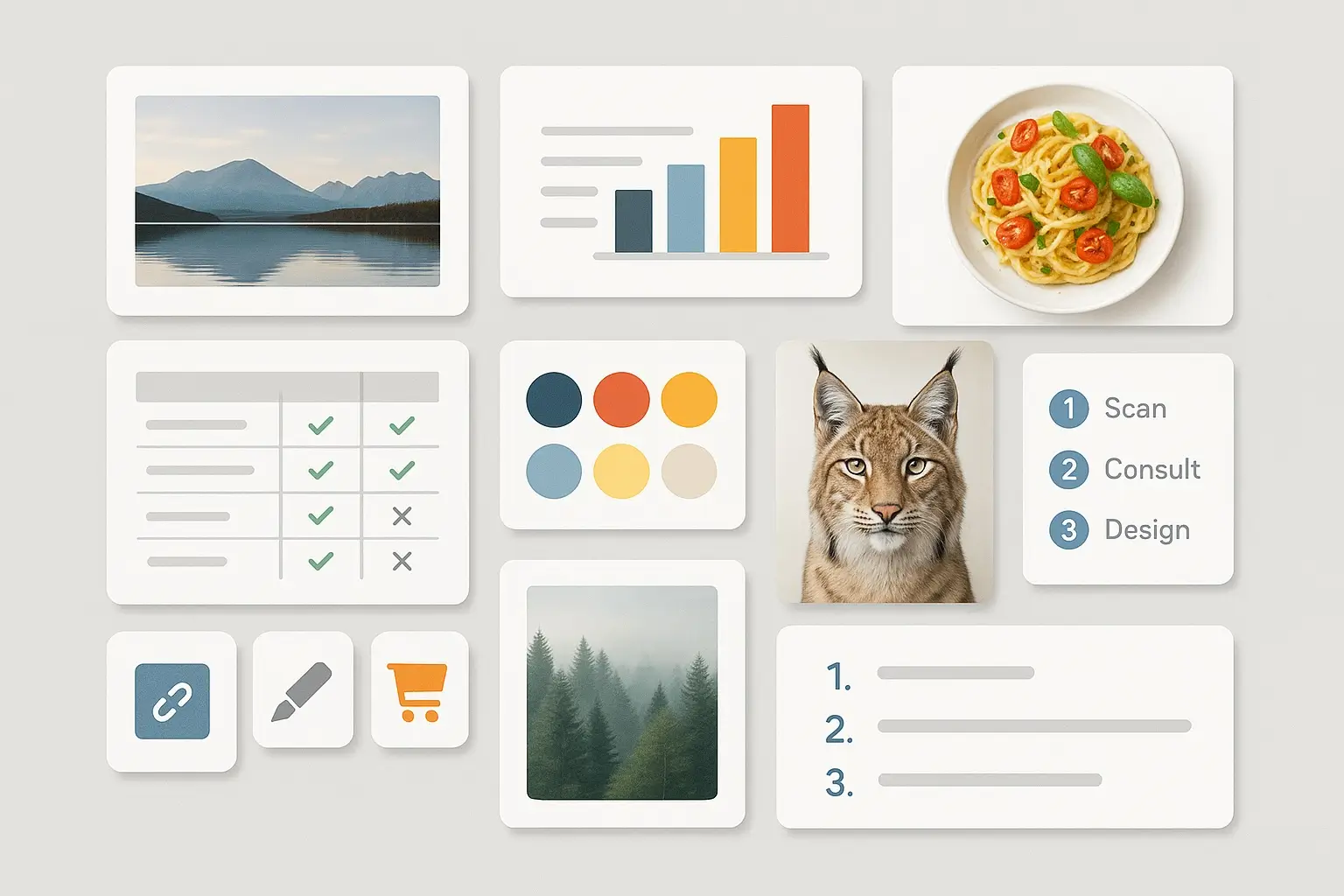
A gallery doesn’t have to be only photographs. Some of the most effective ones use:
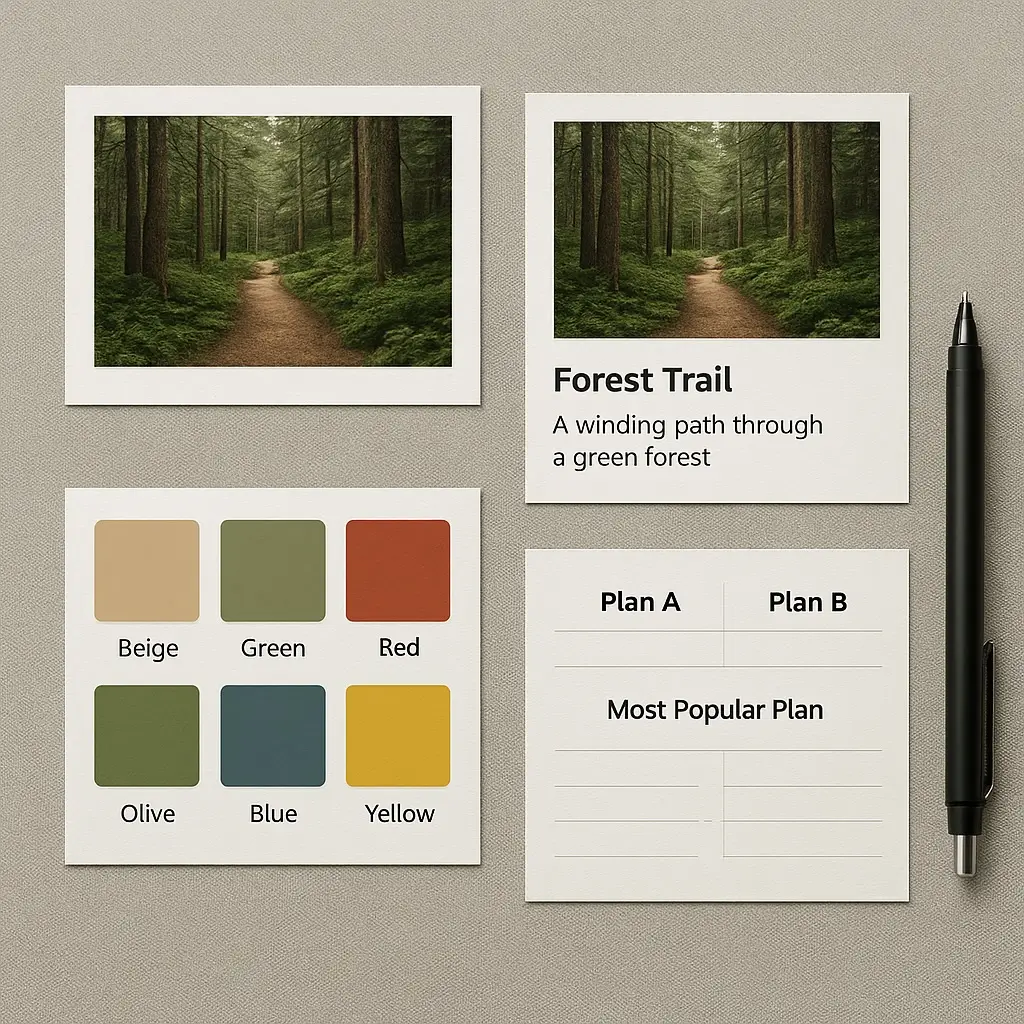
- Comparison charts ? to contrast different service levels.
- Feature icons ? for quick scanning of benefits.
- Step-by-step visuals ? like my Scan ? Consult ? Design ? Repeat model.
- Color swatches ? letting buyers explore product variations.
These formats work the same way as photos: they group related visuals together to help people compare, decide, and take action.
How AI Helps With Galleries
AI isn’t here to replace real photography, but it’s an incredible production tool:
- Generate placeholders to test layouts before you have final assets.
- Upscale low-res images sharpen product photos for clarity.
- Remove or replace backgrounds create a consistent look across your gallery.
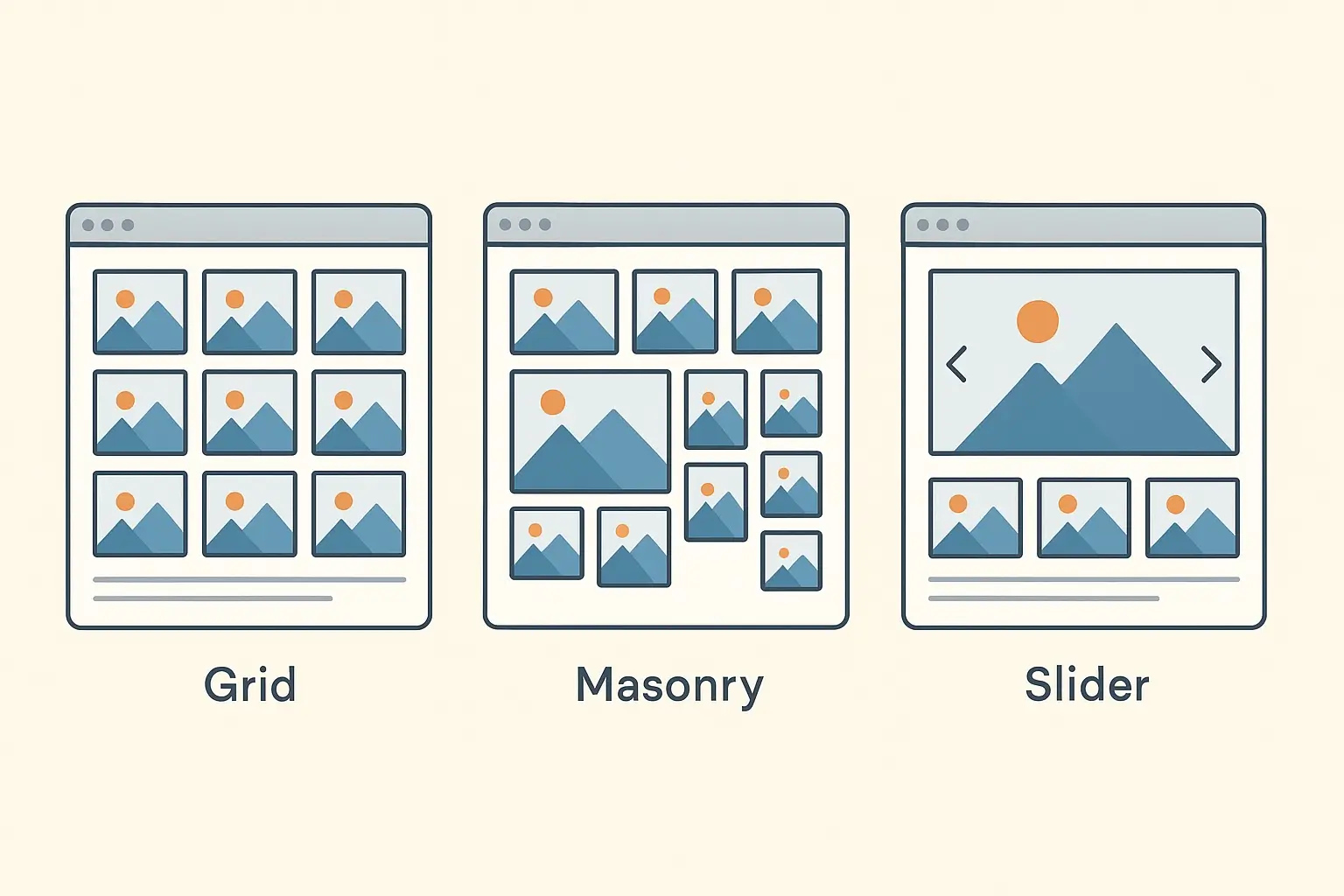
- Mock up moodboards ?experiment with gallery styles before making big changes.
These tricks save time, keep momentum moving, and prevent your website from sitting empty while you wait for perfect photos.
Gallery Examples
Final Thought
Galleries don’t just make a website look polished. They earn their keep by driving engagement, SEO, and conversions. If your business relies on trust and visual impact, a gallery isn’t optional — it’s essential.
Digital Strategy & Support — a quick gut-check:
- Choose Clarity if you need decisions, priorities, and a plan — because your team is stuck in the “we should fix the site” loop.
- Choose Digital Stewardship if you want ongoing ownership and follow-through — because consistency beats one-off fixes.
- Want the full breakdown? The detailed page includes deliverables and how each option works.
A high-signal working session that turns “we should fix the site” into a plan your team can execute. You leave with decisions, priorities, and a 90-day action map.
- Live workshop (site + funnel + “one goal” alignment)
- Decision record: Do / Don’t / Later + top priorities
- Recorded recap + short Q&A follow-up
Fast, high-signal decision session • built for momentum
Ongoing ownership of priorities and follow-through — because the work needs a steady hand. Ideal for founder-led or ops-heavy teams who want this handled without hiring a full-time web lead.
- Weekly planning + priority decisions (what matters next)
- Implementation support (WordPress, structure, UX fixes)
- Documentation + “keep it healthy” checklist for continuity
Continues only while it’s valuable • no “busywork” retainer