
Why Captions Matter
An image without context is just a picture. Add a caption, and it becomes a story element. Captions help visitors understand what they’re looking at, make your galleries more accessible to all users, and give search engines more text to index.
The result? Better usability, stronger SEO, and a more professional impression.
Types of Captions to Use
Not every gallery needs the same kind of captions. Match the format to the visual:
- Photos describe who, what, and where.
- Color swatches use descriptive names (“Ocean Blue” instead of just “blue”).
- Comparison charts highlight a key takeaway (“Most Popular Plan”).
- Team photos add names and roles to build trust.
Industries That Benefit Most
- Travel & tourism add location details and package names.
- Corporate teams headshots with titles and departments.
- Retail & fashion product captions with style notes or fit details.
- Museums & education use captions as mini stories or fact cards.
The right caption transforms a simple image into something memorable and useful.
How AI Helps With Captions
AI can give you a head start when writing captions and alt text:
- Generate alt-text drafts from your existing product descriptions.
- Suggest caption summaries for long details.
- Offer keyword variations to increase SEO reach.
You’ll still want to edit captions for accuracy and tone, but AI saves time and ensures you never start with a blank box.
Example



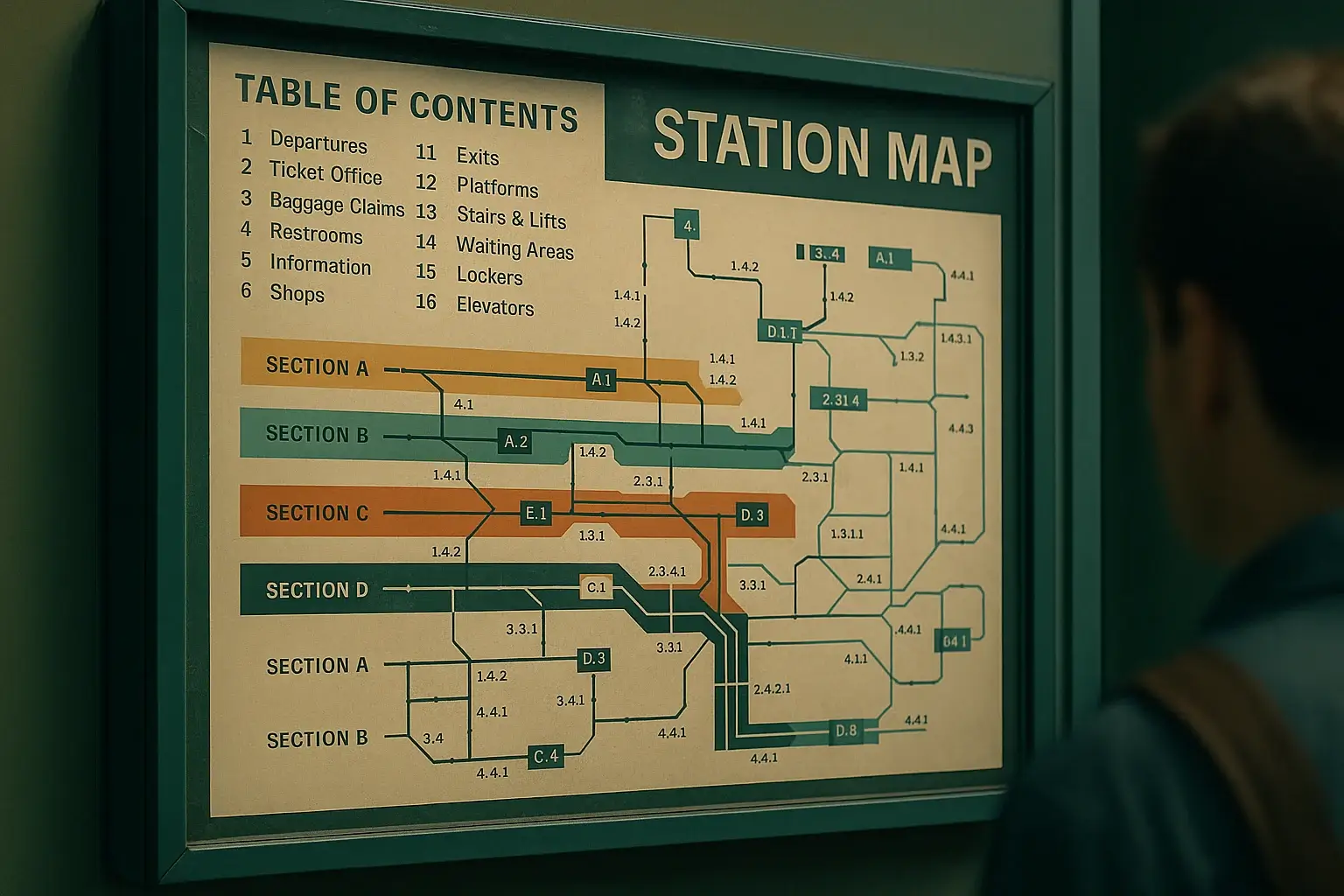

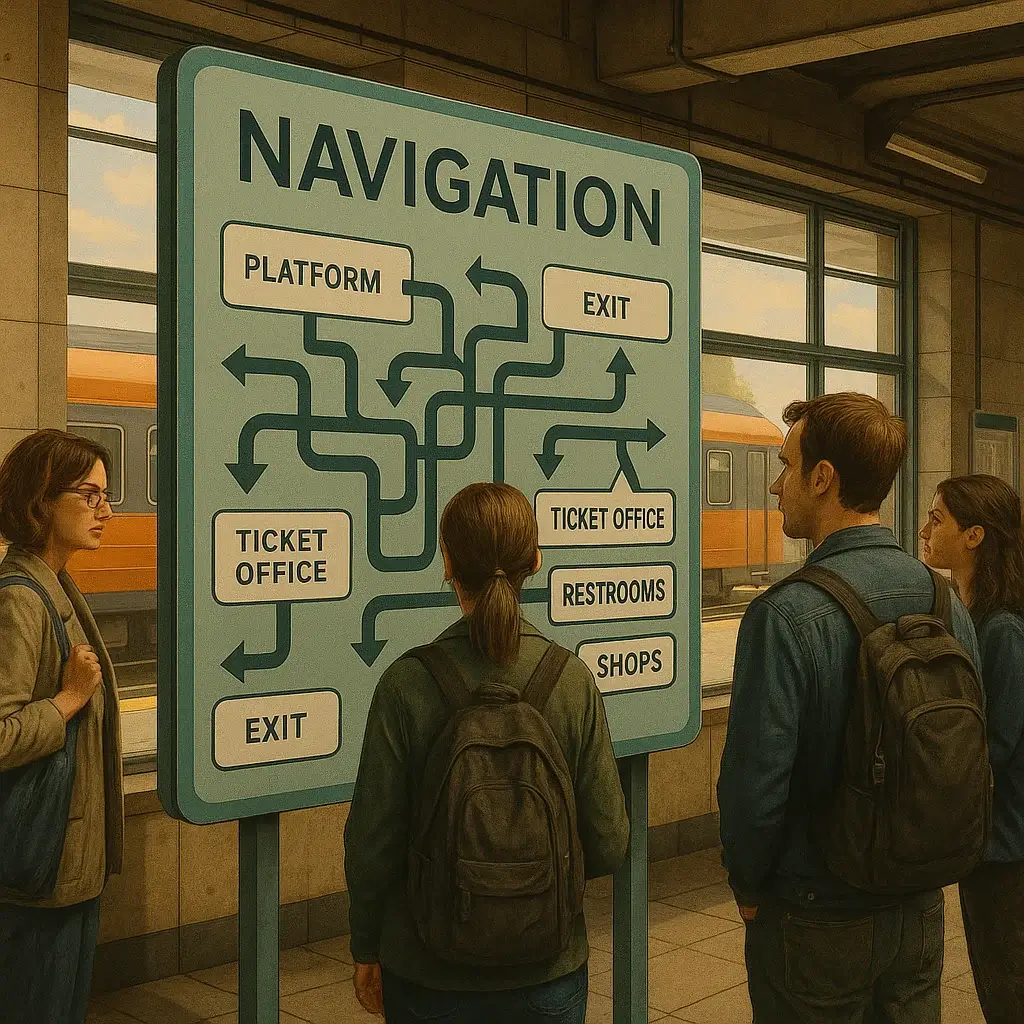
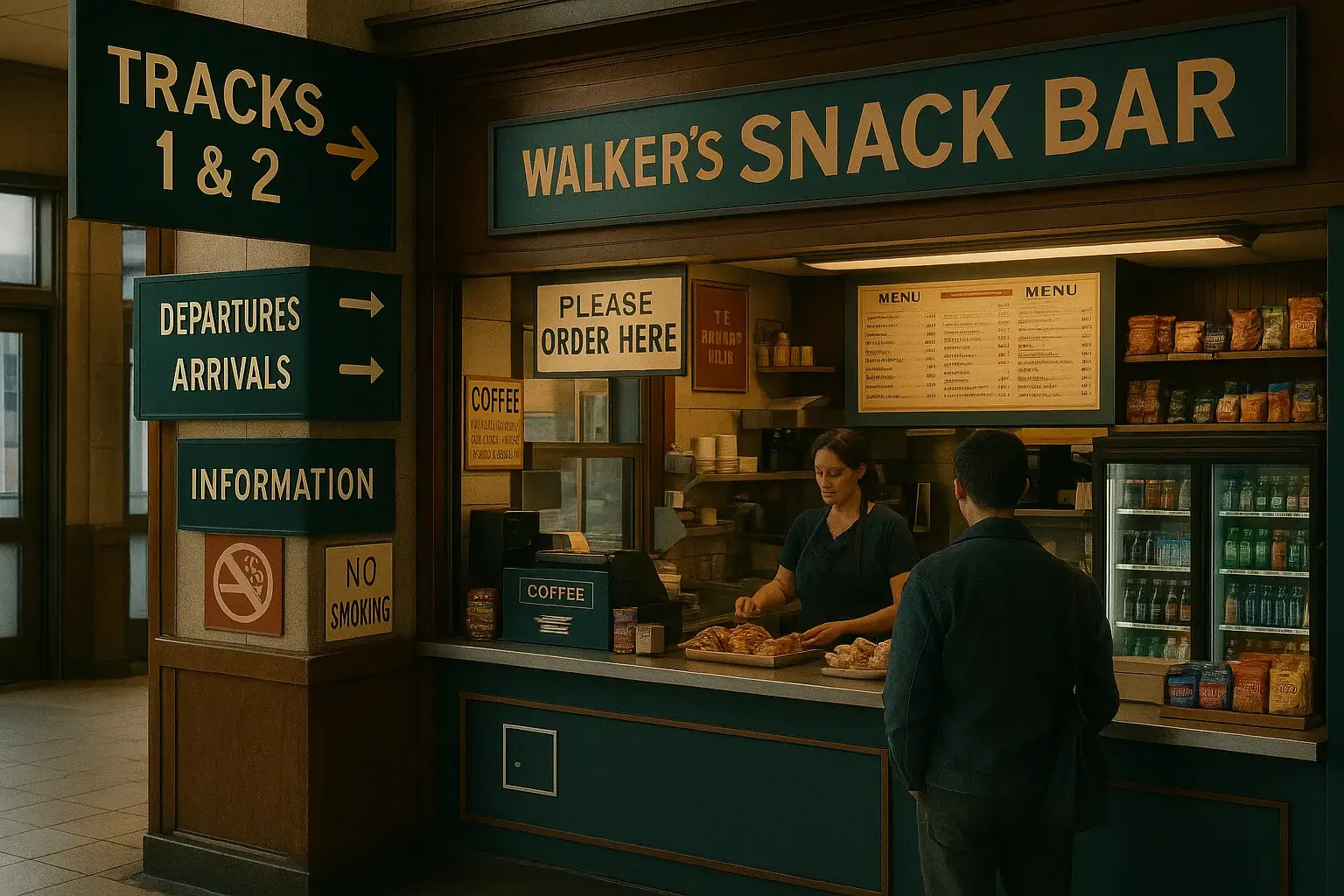
Final Thought
The difference between a random gallery and a professional one often comes down to just a few well-written words. Captions make your visuals searchable, understandable, and trustworthy. Never overlook them.
Want Help Fixing Your Menu?
If your site’s navigation feels bloated, outdated, or confusing, I offer a one-time Website Menu & UX Audit to get things back on track.
- Detailed review of your current menu
- Clear action plan with best practices
- Optional hands-on implementation