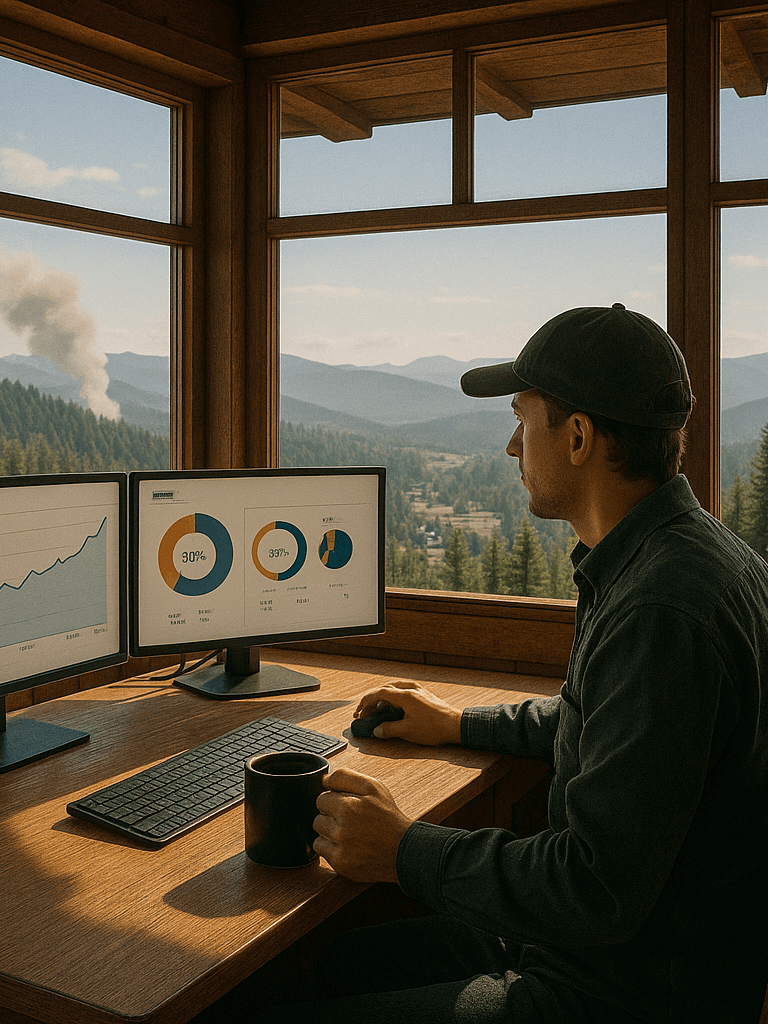
Website Security Analytics – Most people think analytics are only about marketing. But your website is also an early warning system — a fire tower quietly watching the digital landscape for signs of trouble. And if you know how to set up notifications, your site can alert you long before problems spread.
This isn’t technical. It’s awareness.
And it’s something businesses of every size overlook — from large enterprises to freelancers.
Threats Don’t Start With Damage — They Start With Patterns
Suspicious activity rarely begins with a breach. It starts with signals:
- repeated hits on login or admin pages
- sudden spikes from unfamiliar regions
- “zero-second” visits in waves
- strange referral sources
- unusual midnight traffic
- scraping of pricing or content pages
- repeated access to outdated URLs
These are small signs, but they matter.
Surveys don’t catch them.
Reviews don’t catch them.
Even hosting dashboards often miss them early.
Your analytics show them instantly — if alerts are configured.
Where to Configure Alerts and What They Do
Below are the simplest, safest ways to turn on notifications.
Nothing technical. Nothing risky.
Just practical steps anyone can use — ideally with guidance from your site developer.
1. Google Analytics (GA4) — Custom Insights
GA4 lets you create “Custom Insights,” which send you email notifications for unusual behavior.
Location:
Admin > Custom Insights > Create Custom Insight
Useful alerts include:
Traffic spikes
If traffic suddenly jumps, it could be bots or a broken page being hammered.
Traffic drops
Could mean a plugin conflict, outage, or tracking failure.
Higher-than-normal bounce rate
Signals broken links, slow pages, or bot waves.
Unusual referral traffic
Often the first sign of spam or scraping.
Traffic from new countries
This can be harmless — or a probing scan. The alert lets you check.
Surge in new users
Sometimes good, sometimes suspicious.
You don’t have to babysit your site.
Let GA4 ping you when something stands out.
Security Tools — With Developer Guidance
WordPress users typically rely on security plugins, but tool selection should match your site’s build. Instead of recommending specific plugins, the safest advice is:
Consult your developer to choose the right security tool for your site’s needs, theme, and hosting environment.
The right tool can alert you when:
- someone attempts repeated logins
- admin URLs get probed
- files unexpectedly change
- unusual IPs hit sensitive areas
- there’s repeated blocked activity
A good developer will know what fits your setup without introducing conflicts.
3. Uptime Monitoring Tools
These tools aren’t just for outages — they catch performance issues that signal bot activity, excessive hits, or hosting instability.
Top services include:
- UptimeRobot
- Pingdom
- StatusCake
They can notify you when:
- your site slows significantly
- the SSL certificate has issues
- the site drops offline
- response times spike (bot traffic often causes this)
These alerts help you react before customers notice anything is wrong.
Behavior Alerts for Customer Insight (Not Just Security)
Alerts aren’t only for threats. They give early signs of customer behavior too.
High traffic to a service page
Someone is interested — time to optimize.
A page suddenly losing traffic
Something broke or slowed down.
Rising traffic to older content
A hidden SEO opportunity.
Repeat visits to the same service
A buying signal.
Unexpected engagement on a blog topic
This can guide your next post or offer.
This is the part businesses underestimate:
most opportunity signals are quiet — but analytics captures them.
Your Website Isn’t Just a Tool — It’s a Fire Tower
Not for paranoia.
Not for fear.
For clarity.
A fire tower watches quietly until something changes — then it signals you.
That’s exactly what a well-configured analytics setup does.
It tells you:
- when something looks off
- when traffic changes suddenly
- when a pattern needs your attention
- when customers move differently than usual
- when your site needs help before visitors feel it
You don’t need to hover over dashboards.
You just need smart notifications.
Your analytics aren’t just a marketing asset.
They’re a guardian — and a guide.
A quick checkup that shows what’s working, what’s failing, and where small fixes can create big wins. (Learn More)